Student Portal Setup
Configure and share the student portal so your students can track their progress, view assignments, and communicate with you.
The Student Portal is a dedicated space for your students to access their lessons, assignments, practice logs, and communicate with you. Each student gets their own personalized dashboard showing their upcoming lessons, practice stats, and learning materials.
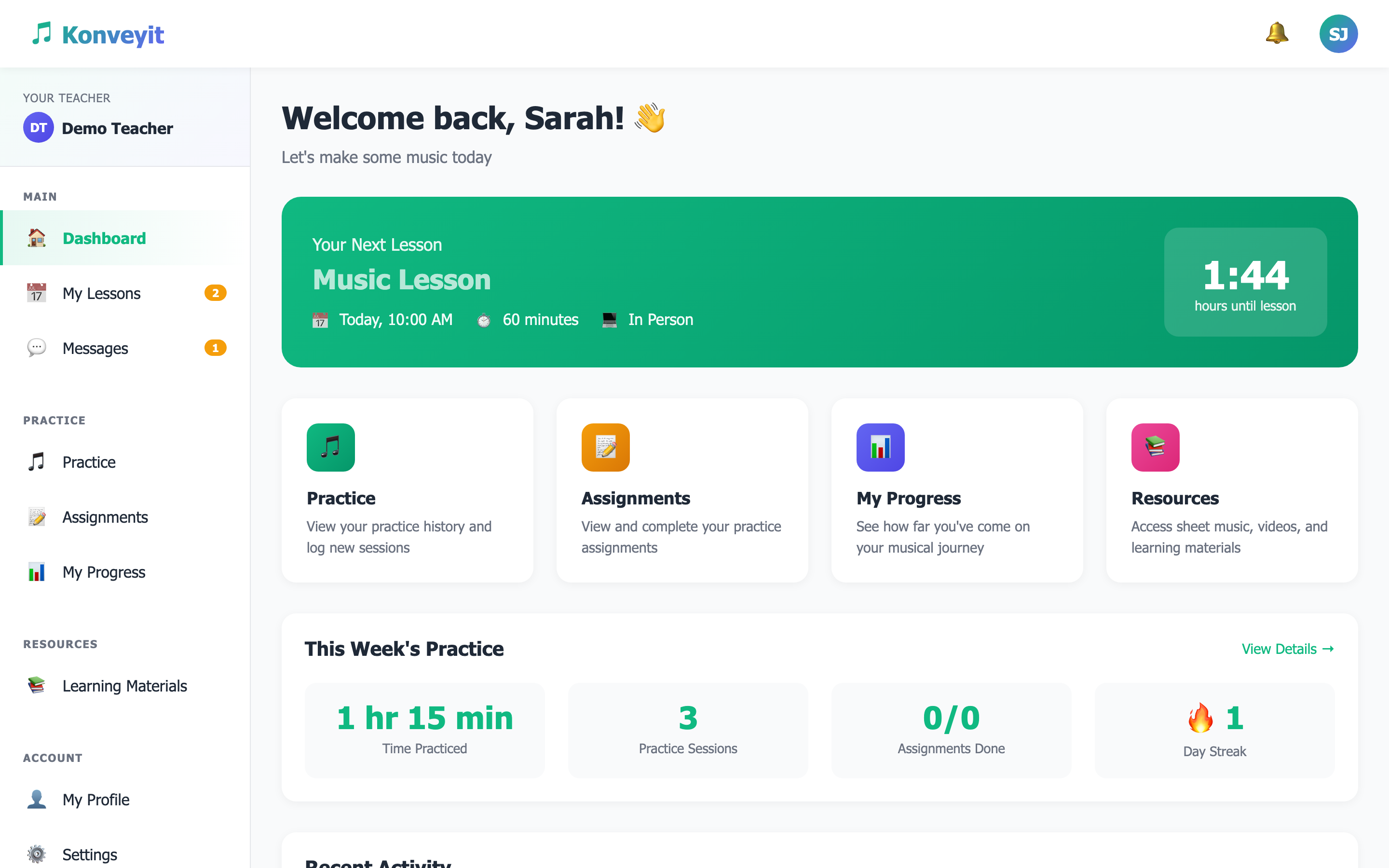
The student portal is separate from your teacher dashboard — students never see your admin interface, settings, or other students' information.
When you add a student via Students > Add Student, they will automatically get portal access. Enter their email address and the system will generate login credentials. Students receive an invitation email with a link to set up their account and create their password.
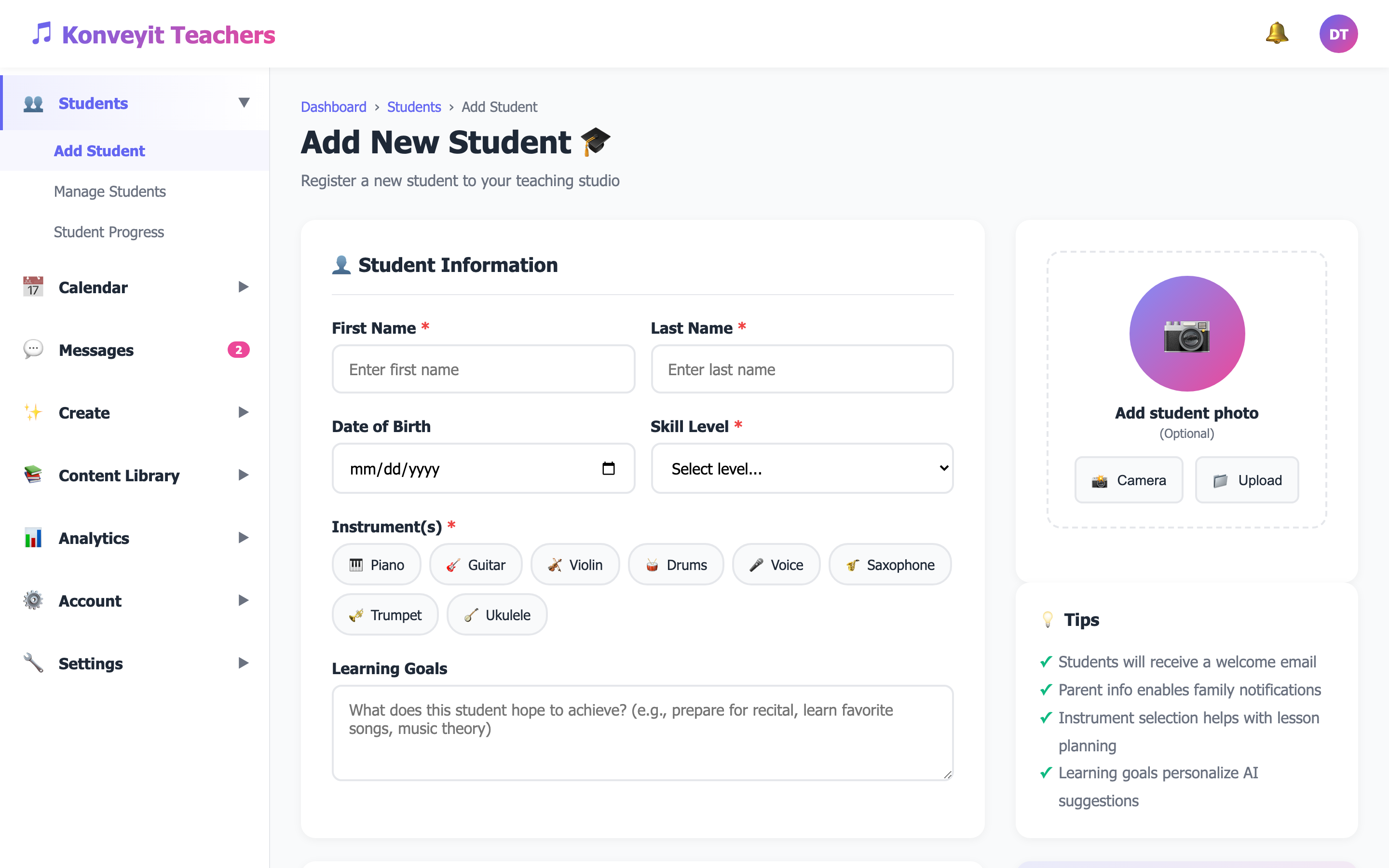
You can also generate an access code from the student's profile — useful for younger students where a parent handles the setup.
Students access their portal through the student login page. They can sign in with their email and password, or use an access code provided by you. The login page is branded with the Konveyit student interface and provides a clean, friendly entry point.
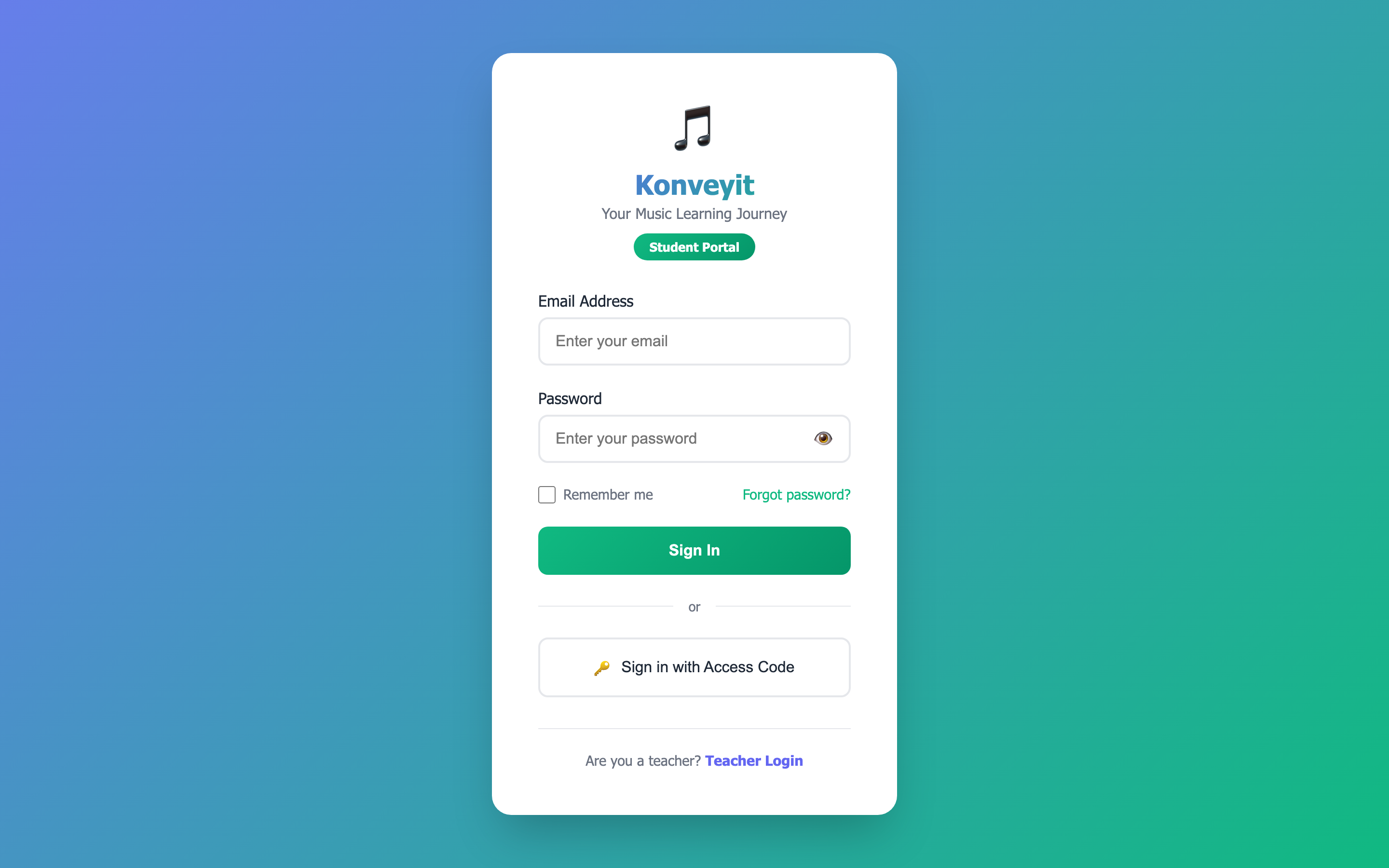
Share this direct link with your students: konveyit-teacher.com/konveyit-student-login.html
Once logged in, students see their personalized dashboard with their next upcoming lesson (including a countdown timer), quick action cards for Practice, Assignments, Progress, and Resources, and a weekly practice summary showing time practiced, sessions, and day streak.
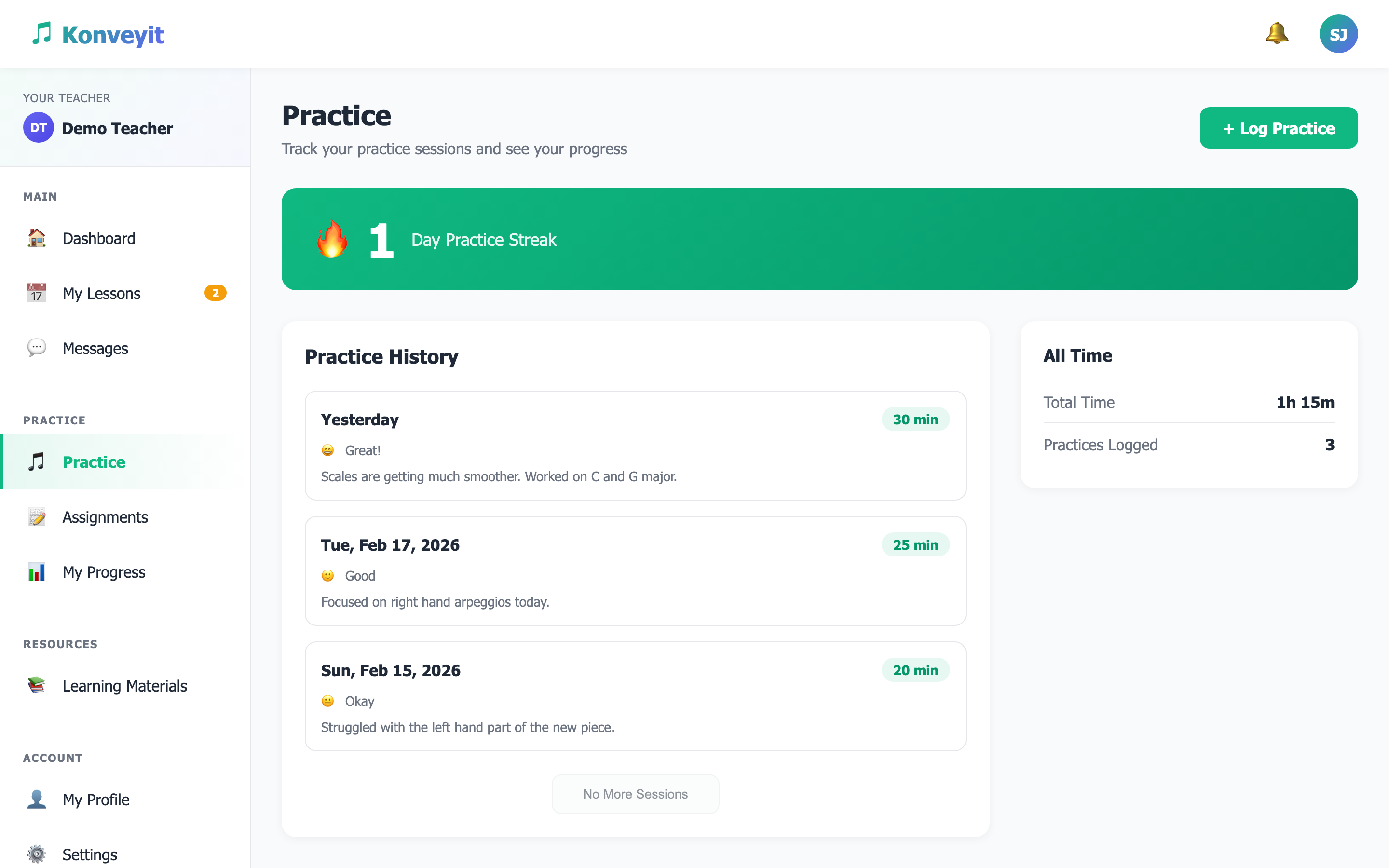
The practice streak feature gamifies daily practice and helps motivate students to maintain consistent practice habits.
Students can view all their scheduled lessons from the My Lessons page. The Messages feature allows direct communication between you and your students — share feedback, discuss lesson topics, or send encouragement between sessions.
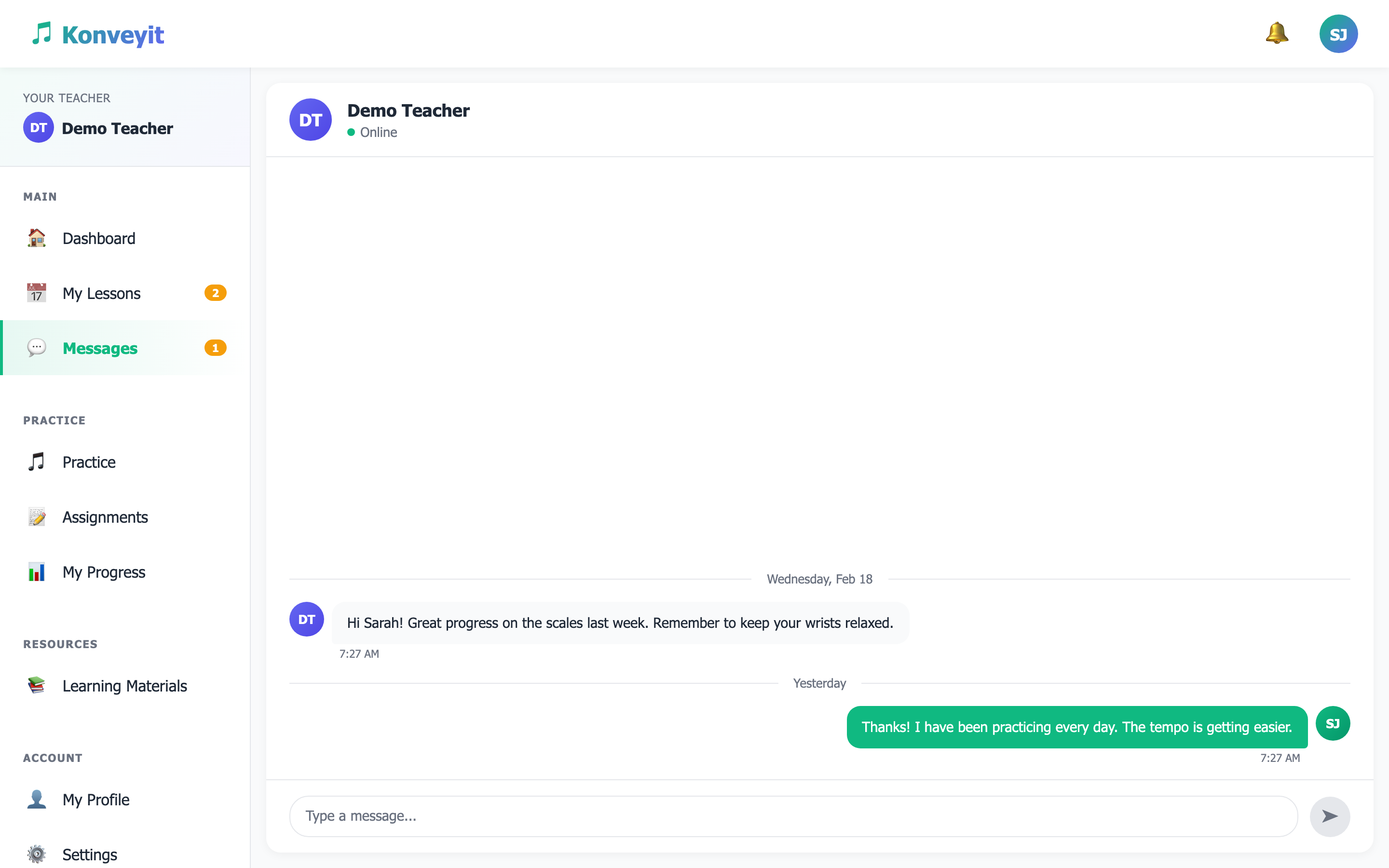
Use message templates (Create > Message Templates) to quickly send common messages like lesson reminders or practice encouragement.
Students can log their practice sessions from the Practice page, recording duration, pieces practiced, mood, and notes. You can view all their practice logs from the Student Progress page on your dashboard, helping you track their development between lessons.
Review your students' practice logs before each lesson to tailor your teaching to their progress.